Word .docx
Headings, body text, tables, lists, text boxes, headers and footers. Styles and links are kept.
Up to 100 pages per file.
Send a file to translate@in.lingfold.com and say which languages you need. It comes back in the same file type with your layout kept, and Lingfold points out anywhere a translation ran long.
Not word for word. Lingfold uses AI to translate, then checks the result against your company's own product names, terms and corrections. It learns from every fix, so each file sounds more like your company.
Email your first file from your work address and click the confirmation link we send back. That creates your company's account. Every Team feature is free for 7 days, no card needed, then you stay on Free for about 10 documents a month.
Translated with Claude, Anthropic's AI, which doesn't train on your files, and neither do we. Files are stored encrypted, kept apart from other companies, and deleted on the schedule you choose. Security
Hi, could you translate these into German and Spanish?
Keep “Velvet Roast” in English. Thanks!
Your files are ready. We kept “Velvet Roast” in English and used your usual German wording for “single origin”.
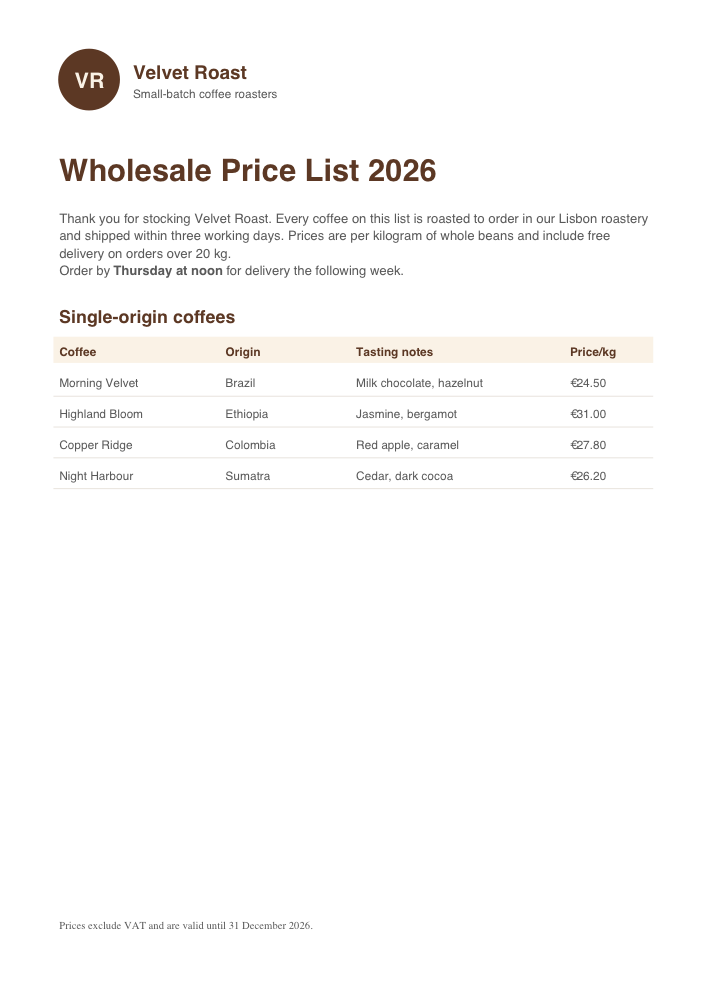
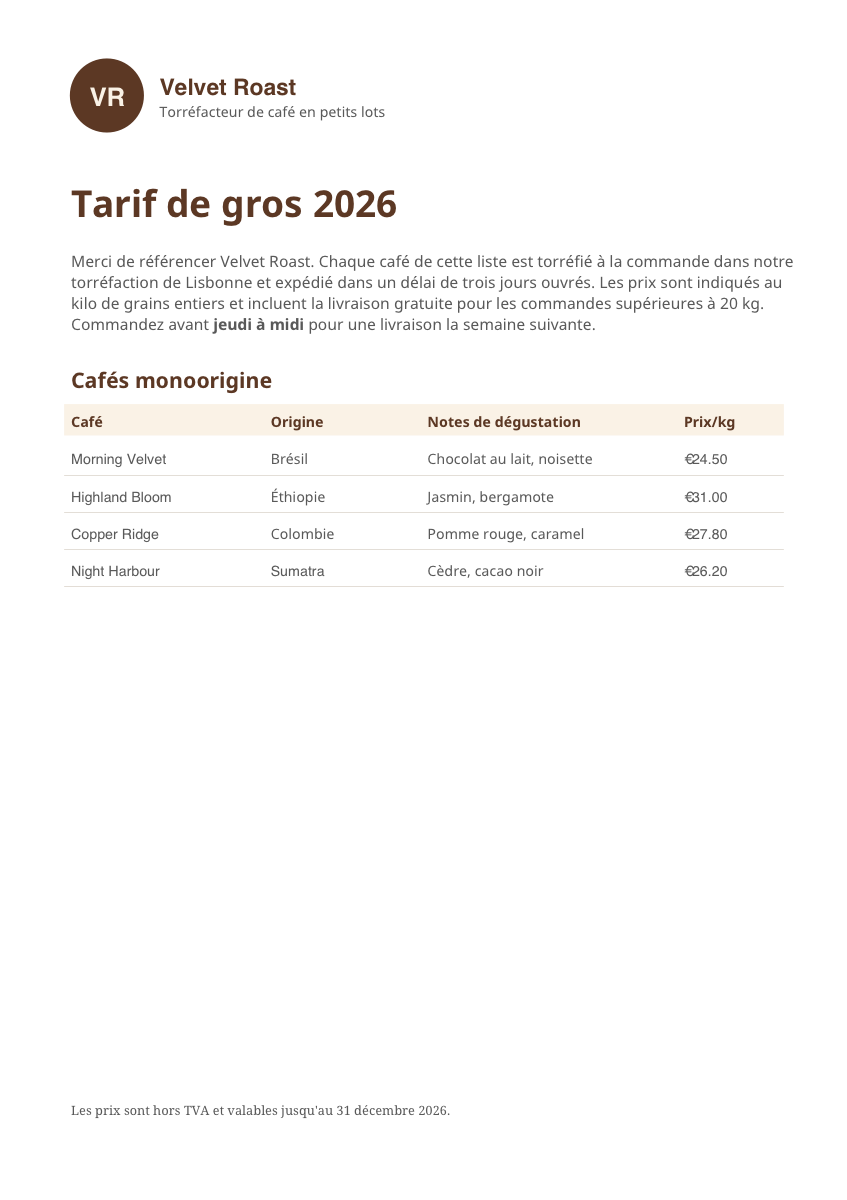
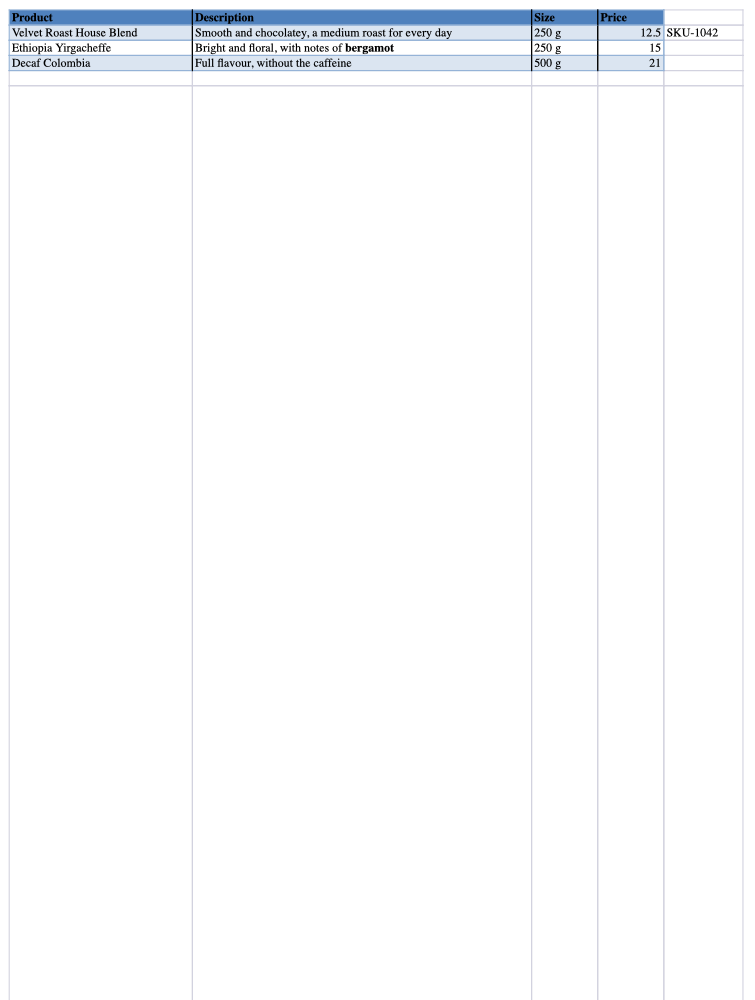
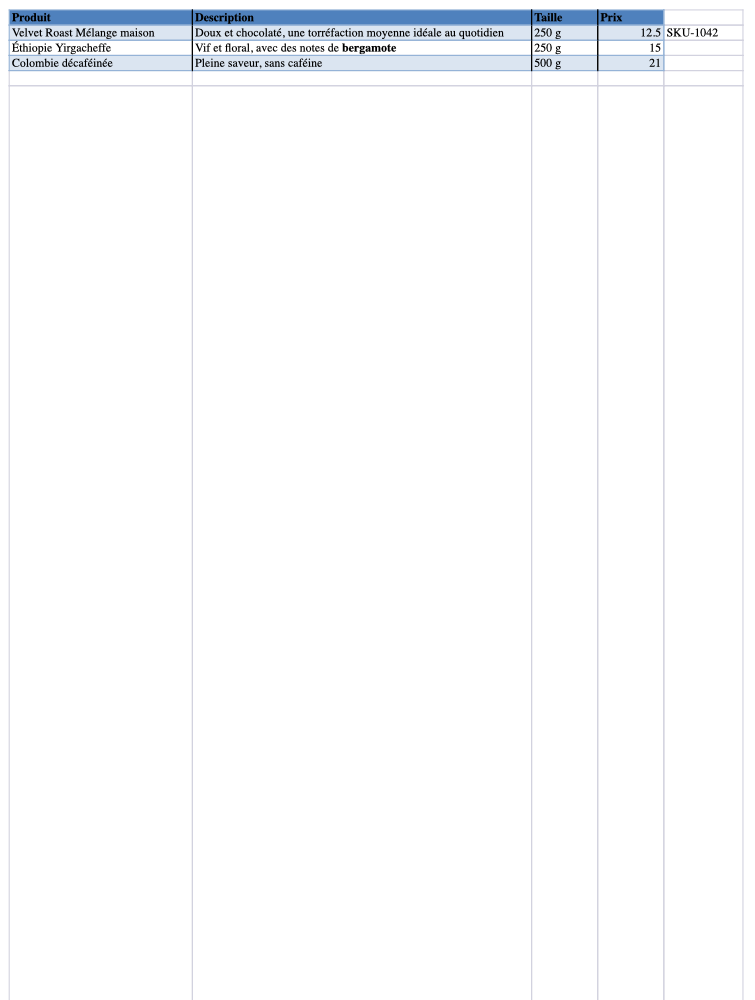
Real Lingfold output, unedited. Velvet Roast is our demo brand. Download the originals and translations to look inside.
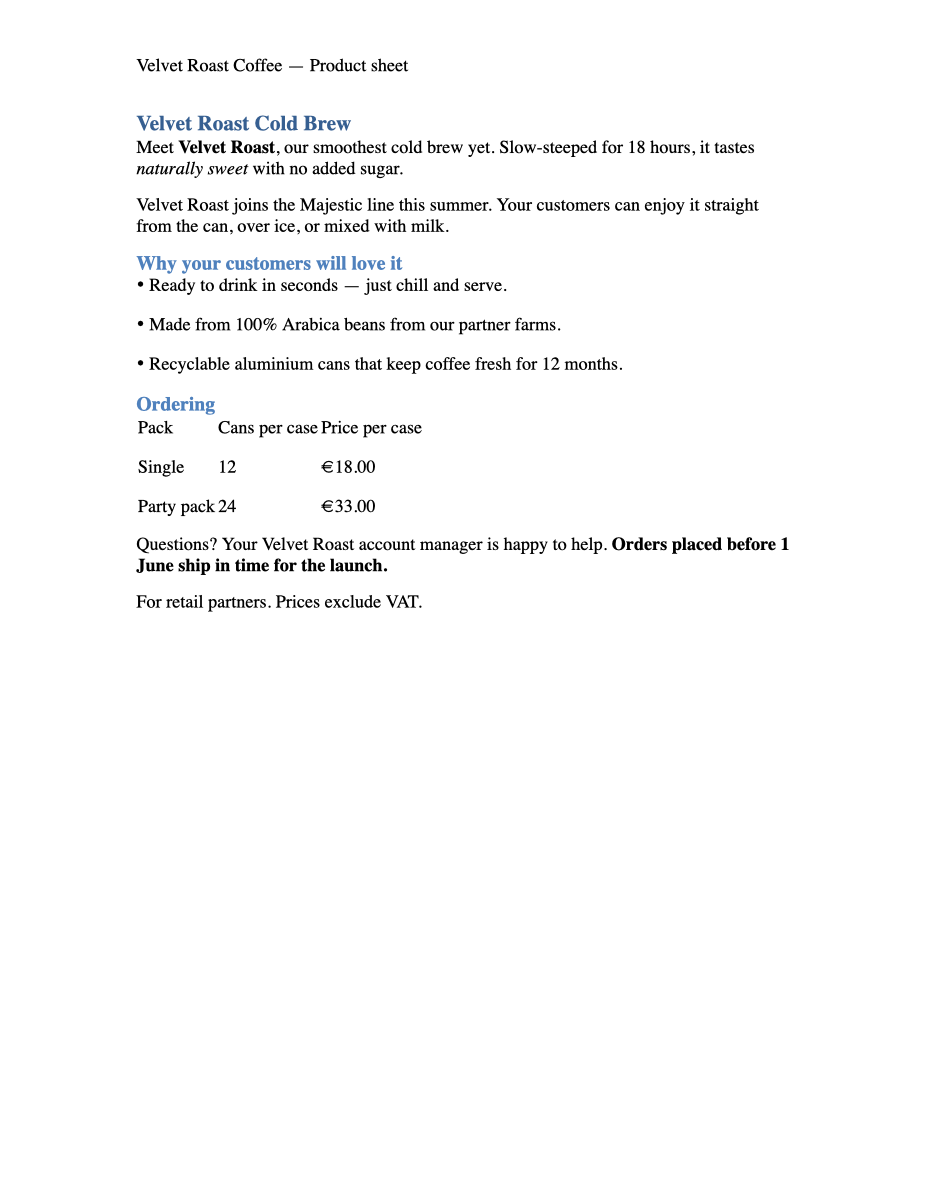
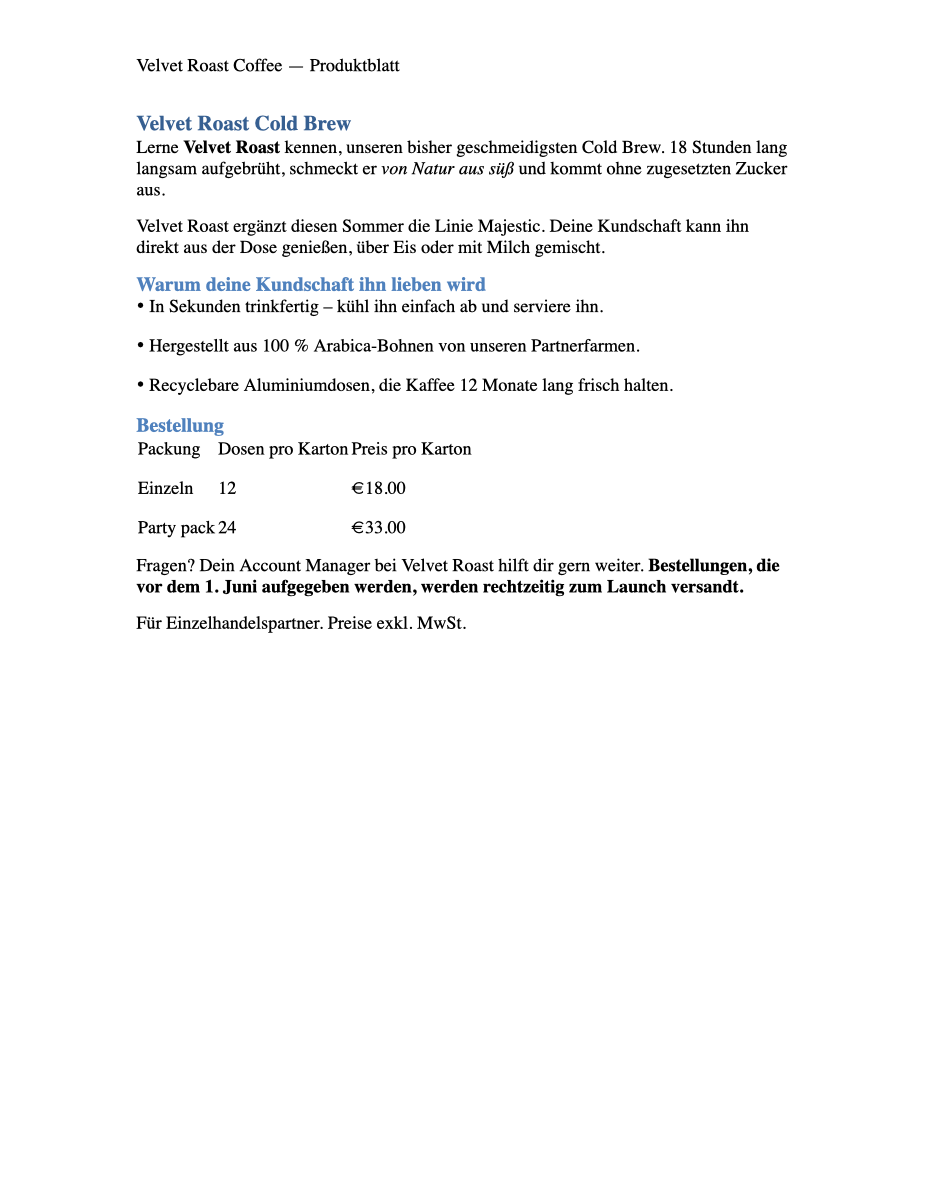
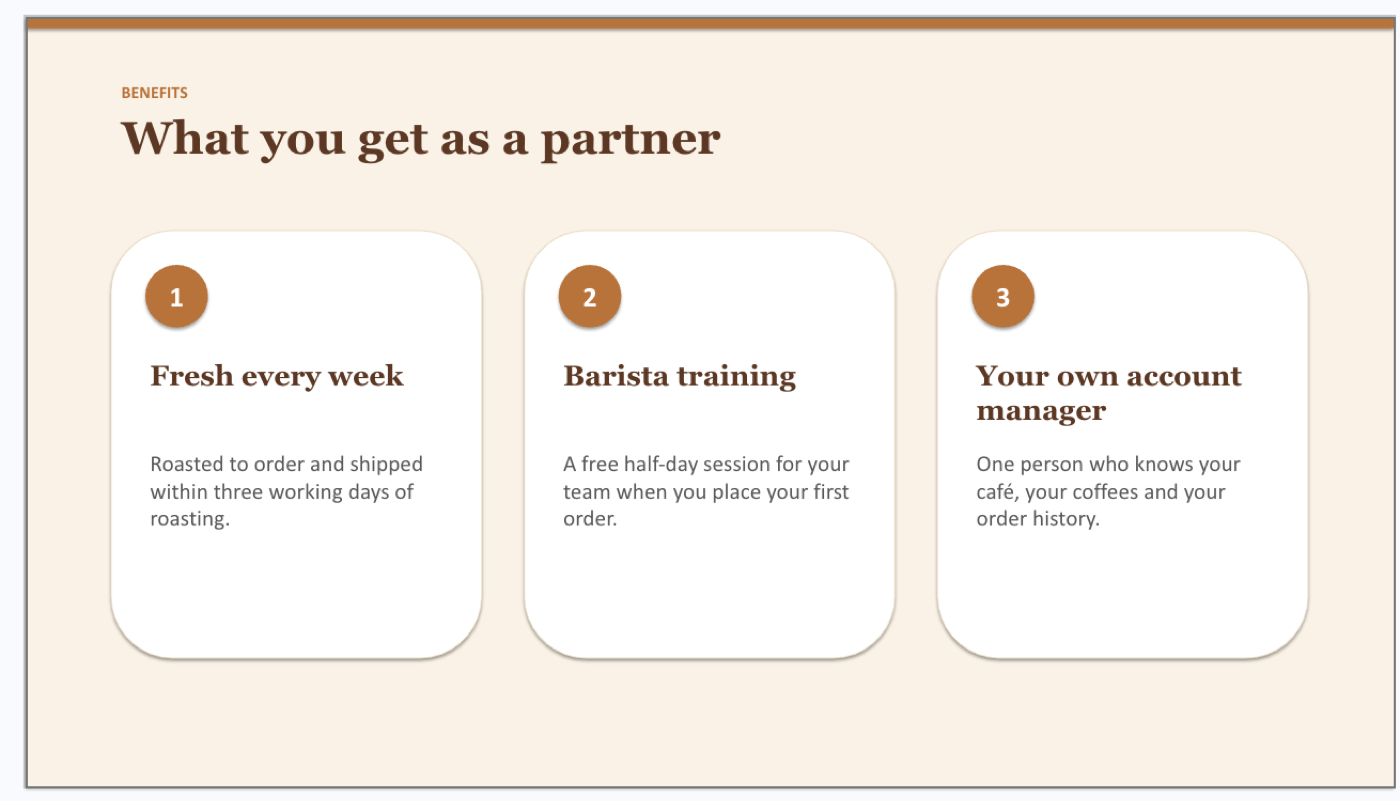
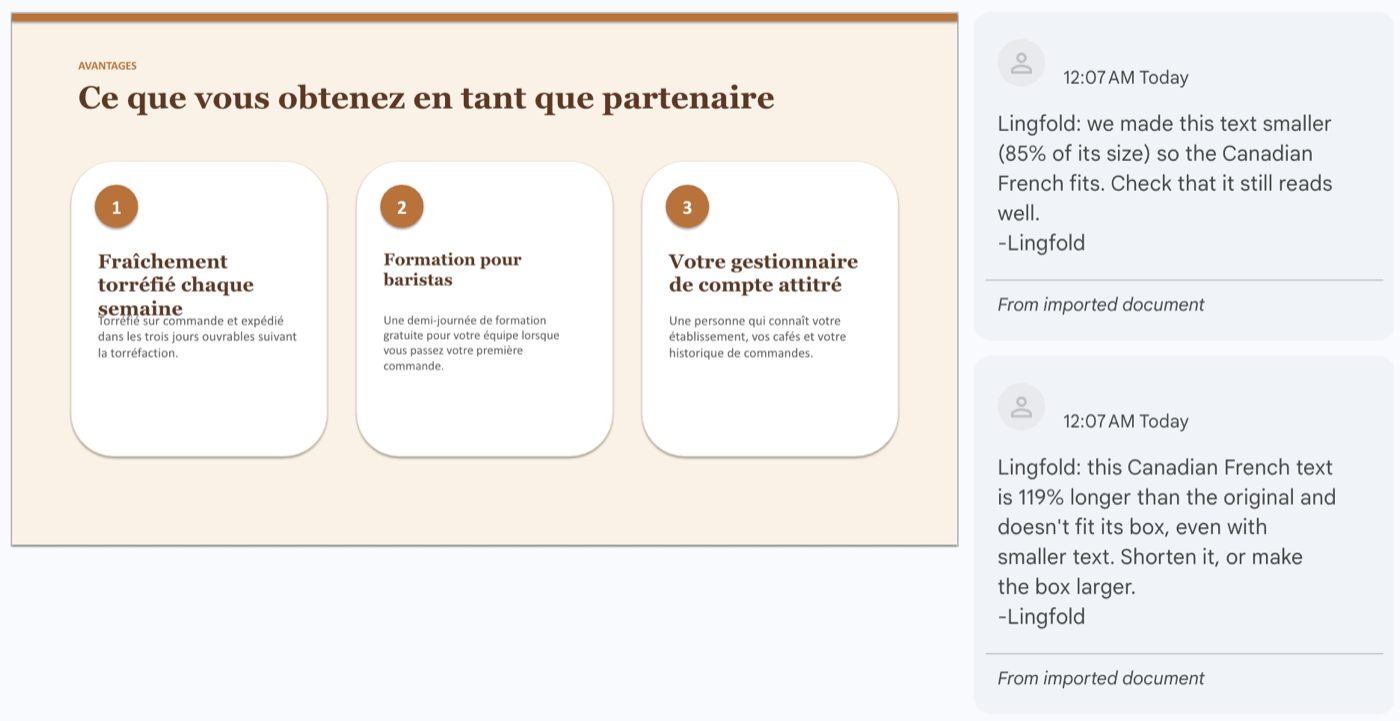
Where a translation runs longer than its text box, Lingfold makes the text a little smaller so it fits, and leaves a comment beside it so you know where to look. When even smaller text won't fit, the comment says so: here the first card's heading needs a shorter wording or a bigger box. Speaker notes are translated and left without comments. These are all the comments in this deck:
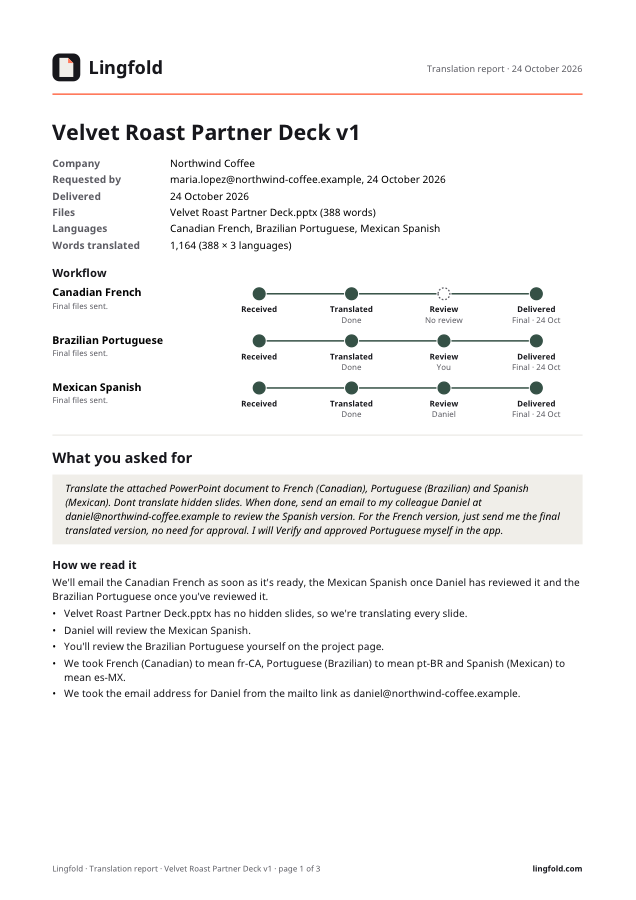
When a project is final, the email brings a short PDF report with it, so you have a record of what was done:
Open the report for the partner deck (3 pages; the client's names are changed)
Word-for-word tools turn product names into French phrases. Lingfold noticed the four coffee names in the deck above, kept them, and listed them in the report under “What we learned”. You can see and change everything it has learned.
| Word for word | Lingfold |
|---|---|
| Morning Velvet | |
| Highland Bloom | |
| Copper Ridge | |
| Night Harbour |
Lingfold uses Claude, the same kind of AI you'd use in a chat like ChatGPT. The difference is everything around the words.
You get back the same file, translated in your company's words, with notes in the margin wherever a person should look. Lingfold remembers your names and terms for everyone at your company, checks them in every file, and never uses your files to train AI.
Lingfold changes the words and leaves the rest of the file as it was: fonts, colours, images, tables and numbers.
Headings, body text, tables, lists, text boxes, headers and footers. Styles and links are kept.
Up to 100 pages per file.
Every slide, table and speaker note. If a translation runs too long for its text box, Lingfold points it out.
Up to 200 slides per file.
Text in every sheet, plus chart titles. Numbers, dates and formulas are left exactly as they are.
Need only part of it? Write “only the Prices sheet” or “just B2:B50” in your email.
The translated text is set back in place on each page, over the original images and graphics.
Needs selectable text, so scanned pages can't be translated. Latin, Greek and Cyrillic alphabets for now.
Older .doc, .ppt and .xls files: open them and use Save As to make a .docx, .pptx or .xlsx copy. Up to 5 files per email, 50 MB each.
Anyone at your company can send work in. The people who approve wording get a page to review it.
Attach the files and write the languages you need, in your own words. Lingfold reads your email for the languages, who should review, and what to keep in English. The first time, click the link we send to confirm your work address.
Claude, Anthropic's AI, translates each file. Your company's product names, preferred terms and past corrections are applied to every one.
Numbers are compared with the original, text that runs long is fitted or flagged, and each passage gets a confidence check. Anything worth a look gets a note.
If you asked for a reviewer, they check it first. You get the files by reply, usually within minutes, with a translation report and a page to adjust any passage.
Launch decks and price lists are confidential until they're out. Here's how Lingfold treats them.
Claude, Anthropic's AI, doesn't train on your files, and neither does Lingfold.
Each company's files are encrypted with a key of its own and kept apart.
No freelance translator, and no Lingfold staff. Only the reviewers you invite.
From the day after delivery. The files come back to you as attachments.
Plans are sized by how much you translate and how many people send work. Reviewers, inside or outside your company, are always free.
$0
About 10 documents a month for one person. Files kept 30 days.
$29 / month
About 100 documents a month, for up to 3 people. API access. Files kept 90 days.
$99 / month
About 400 documents a month, for up to 15 people. Invite reviewers for free. Files kept 180 days.
Custom
No monthly limit, everyone at your company, contract terms. Files kept up to a year.
A document is about 1,500 words in one language. New accounts get Team free for 7 days (about 66 documents), then move to Free.
We count the words in your original file, once for each language you ask for. A 1,500-word price list into German and Spanish uses 3,000 words. Edits and review corrections are free; adding a language later counts that language.
If a file would go over your monthly allowance, nothing is lost: we tell you what fits, keep the files, and start them when you reply after the allowance renews on the 1st or your plan changes.
Email frizzo@lingfold.com with the plan you want and we'll switch you the same day. Card payments online are coming.